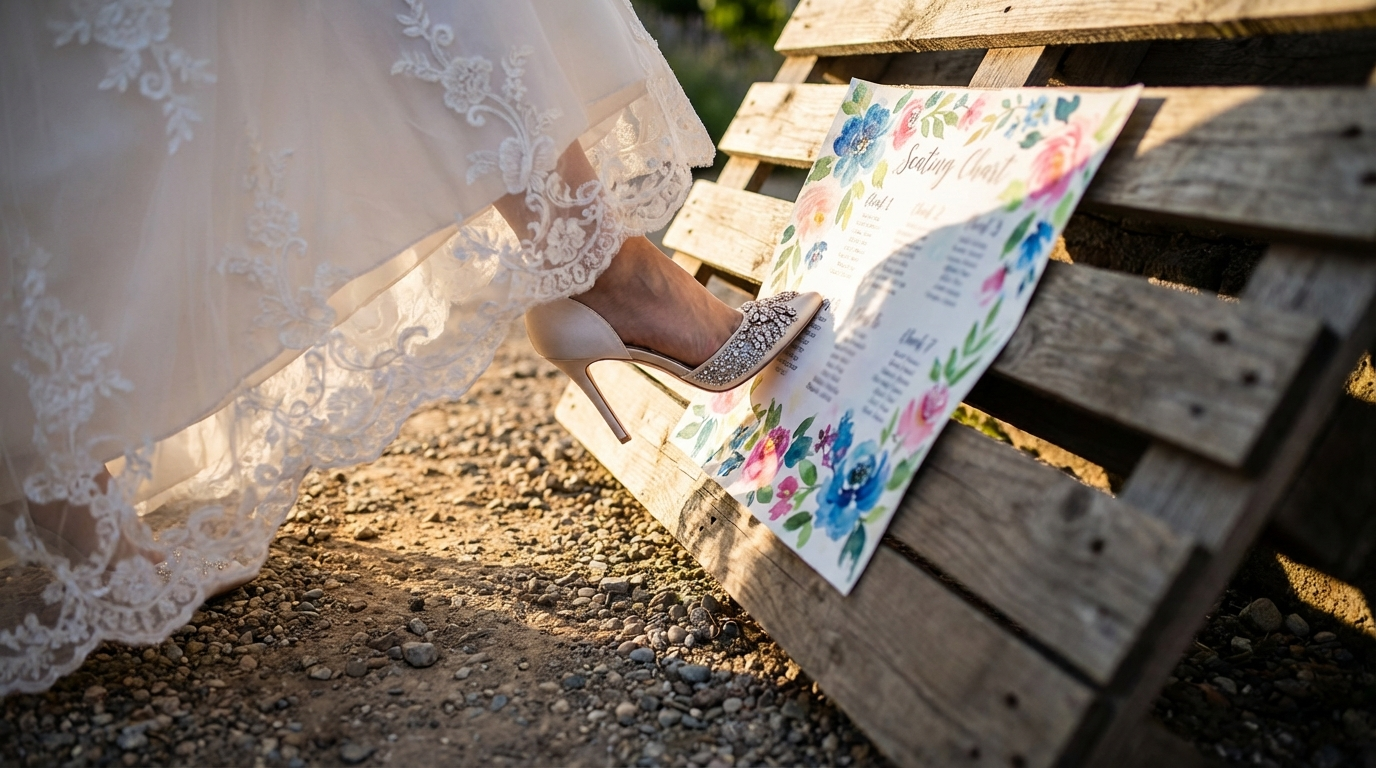
Planning a wedding in 2026? Congratulations! Amidst the excitement of choosing the perfect venue, dress, and menu, don't overlook one crucial detail: the seating chart. A well-thought-out seating chart can make or break your reception, ensuring your guests feel comfortable and connected. But creating one can be a daunting task. That's why I embarked on a quest to find the best seating chart maker for wedding planning. I tested seven different tools, and I'm excited to share my experience – and the one that ultimately saved my sanity.
Key Takeaways
- Creating a thoughtful seating chart is essential for a successful wedding reception.
- Many online tools are available, but they vary significantly in features, ease of use, and cost.
- Free tools like SeatingChartCreator.com can be surprisingly powerful and effective.
- Consider your venue layout, guest relationships, and any special needs when planning your seating arrangement.
- Don't wait until the last minute to start working on your seating chart!
Why a Seating Chart is Non-Negotiable for Your Wedding
In today's wedding landscape, a seating plan isn't just a nice-to-have; it's practically a necessity. Think of it as orchestrating a symphony of social connections. Without a conductor (that's you!), things can quickly become discordant. Imagine your Aunt Mildred, who loves to tell long stories, stuck next to your shy college friend. Or your two groups of friends from different phases of your life never interacting. A seating chart prevents these awkward scenarios.
Design Your Perfect Seating Chart
Free drag-and-drop seating chart creator for weddings, events, and venues. Export professional PDFs in minutes.
Create Free Seating ChartBeyond preventing social mishaps, a well-organized seating arrangement shows your guests that you care about their experience. It demonstrates thoughtfulness and attention to detail. It also streamlines the flow of the reception. When guests know exactly where they're sitting, there's less confusion and more time for celebrating.
Think about the sheer logistics of a wedding. You've invested considerable time and money into creating a beautiful and enjoyable atmosphere. Why leave something as crucial as guest interaction to chance? A seating chart gives you control over the social dynamics, ensuring that your carefully curated event unfolds as you envision it. Ultimately, it's about creating a memorable and positive experience for everyone involved.
What to Look For in a Seating Chart Maker
Not all seating chart creators are created equal. When choosing a tool, consider several factors to ensure it meets your specific needs. First and foremost, ease of use is paramount. A clunky, unintuitive interface will only add to your wedding planning stress. Look for a tool with a drag-and-drop interface that allows you to easily move guests around.
Next, consider the features offered. Does the tool allow you to customize table shapes and sizes to match your venue layout? Can you easily import your guest list from a spreadsheet? Are there options for noting dietary restrictions or other special needs? The more features, the more flexible the tool will be in accommodating your specific requirements.
Finally, don't forget about cost. Many seating chart tools come with a hefty price tag, especially those marketed towards professional event planners. However, there are also excellent free seating chart makers available, like SeatingChartCreator.com, that offer a surprising amount of functionality. Weigh the cost against the features offered and choose a tool that fits your budget.
My Quest for the Perfect Seating Chart Tool
As a 2026 bride, I knew I needed a reliable seating chart solution. I started my search by Googling "seating chart maker for wedding" and was immediately overwhelmed by the options. Some were free, some were subscription-based, and some were clearly designed for large-scale events, not my relatively intimate wedding of 120 guests.
I began by testing a few of the most popular paid options, lured in by their promises of advanced features and seamless integration with other wedding planning tools. However, I quickly became frustrated with their complexity and clunky interfaces. I spent hours trying to import my guest list and customize the table layouts, only to end up with a confusing mess.
Discouraged but not defeated, I decided to explore the free seating chart makers. I was skeptical at first, assuming they would be basic and limited in functionality. However, I was pleasantly surprised by several of the options, including SeatingChartCreator.com. While they may not have had all the bells and whistles of the paid tools, they were much easier to use and offered all the essential features I needed to create a functional and visually appealing seating chart.
Step-by-Step: Creating Your Seating Chart with SeatingChartCreator.com
Ready to create your own wedding table arrangement? Here's a step-by-step guide using SeatingChartCreator.com:
Create an Account (Optional)
While you can use SeatingChartCreator.com without an account, creating one allows you to save your progress and access your seating charts later. It's free and only takes a few seconds.
Set Up Your Venue Layout
Start by defining the dimensions of your venue and adding tables. You can customize the shape and size of each table to match your actual layout. Choose from round, rectangular, or even custom shapes.
Add Your Guests
You can manually add guests one by one or import your guest list from a spreadsheet (CSV file). Be sure to include any relevant information, such as dietary restrictions or plus-ones.
Assign Guests to Tables
This is where the fun begins! Simply drag and drop guests onto the tables you've created. Experiment with different arrangements until you find the perfect fit. You can also add notes to each guest to remind yourself of their relationships and preferences.
Customize and Refine
Adjust table assignments as needed, taking into account guest preferences, relationships, and any special considerations. Use the notes feature to remind yourself of important details.
Save and Share
Once you're happy with your seating chart, save it and share it with your wedding planner, venue coordinator, or anyone else who needs to see it. You can also download a printable version to take with you to the venue.
Importing Your Guest List: Speeding Up the Process
Manually entering hundreds of names into a seating chart creator sounds like a nightmare, right? Thankfully, most tools, including SeatingChartCreator.com, offer the ability to import your guest list from a spreadsheet. This can save you hours of tedious work.
To import your guest list, you'll need to create a CSV (Comma Separated Values) file. This is a simple text file that can be created in Excel or Google Sheets. Each row in the spreadsheet represents a guest, and each column represents a piece of information about that guest (e.g., first name, last name, dietary restrictions, etc.).
When importing your CSV file, be sure to map the columns to the corresponding fields in the seating chart tool. This ensures that the information is imported correctly. Once your guest list is imported, you can start assigning guests to tables with ease.
Before You Start
- Clean up your guest list – remove duplicates and ensure consistent formatting.
- Include all relevant information in your spreadsheet (e.g., names, dietary restrictions, plus-ones).
- Save your spreadsheet as a CSV file.
Tips for Creating the Perfect Wedding Table Arrangement
Creating a seating chart isn't just about filling seats; it's about crafting an experience. Here are some tips to help you create a wedding table arrangement that your guests will love:
- Consider relationships: Seat people together who know each other or who have common interests.
- Mix it up: Don't be afraid to mix different groups of friends and family members. This can spark new conversations and connections.
- Be mindful of family dynamics: If there's any family drama, be sure to seat people accordingly.
- Don't forget the singles: Try to seat single guests with other single guests or with couples who are known to be social.
- Consider special needs: If any of your guests have mobility issues, be sure to seat them near the entrance or exit.
- Avoid creating "islands": Don't seat anyone alone at a table unless they specifically request it.
Ultimately, the goal is to create a comfortable and enjoyable atmosphere for all of your guests. A thoughtful seating plan can go a long way in achieving that goal.
Decoding Table Shapes: Round vs. Rectangular
The shape of your tables can significantly impact the atmosphere of your reception. Round tables are generally considered more conducive to conversation, as guests can easily see and interact with everyone at the table. They also lend themselves to a more classic and elegant look.
Rectangular tables, on the other hand, are often more space-efficient and can create a more modern aesthetic. They're also a good choice for long, banquet-style receptions. However, they can make it more difficult for guests to converse with everyone at the table.
Round Tables
- Better for conversation
- Classic elegant look
- More intimate feel
Rectangular Tables
- More space efficient
- Modern aesthetic
- Suitable for banquet-style seating
Consider the overall style and atmosphere you're trying to create when choosing your table shapes. And don't be afraid to mix and match different shapes to add visual interest.
Seating Chart Examples and Templates for Inspiration
Sometimes, the best way to get started is to look at examples. Here are a couple of common seating chart scenarios and how you might approach them:
Scenario 1: The Large Family Wedding. You have a large extended family, and you want to make sure everyone feels included. Solution: Designate a few "family tables" near the front, but mix in other friends and guests to encourage mingling. Scatter family members throughout other tables, ensuring they are seated with people they know and enjoy.
Scenario 2: The Destination Wedding. Many guests are traveling from out of town and may not know each other. Solution: Prioritize conversation starters. Group guests based on shared interests or hobbies. Use the seating chart as an opportunity to introduce people who might hit it off.
Remember to use free templates as a starting point. Many seating chart makers offer pre-designed templates for different wedding sizes and styles. These can be a great way to get inspiration and save time.
Common Seating Chart Mistakes to Avoid
Even with the best intentions, it's easy to make mistakes when creating your wedding seating chart. Here are some common pitfalls to avoid:
- Waiting Until the Last Minute: Don't procrastinate! Creating a seating chart takes time and thought. Start early to avoid unnecessary stress.
- Ignoring Guest Preferences: While you can't please everyone, try to be mindful of guest preferences and avoid seating people next to those they dislike.
- Forgetting Dietary Restrictions: Make sure to note any dietary restrictions in your seating chart so that the catering staff can properly accommodate your guests.
- Not Considering Plus-Ones: Always seat plus-ones with their significant others, even if you don't know them well.
- Creating Cliques: Avoid seating large groups of people who already know each other, as this can discourage mingling with other guests.
Expert Tips for Stress-Free Seating Chart Creation
Want to make the seating chart process even smoother? Here are some expert tips:
- Get input from your partner: This is a collaborative effort! Work together to create a seating chart that reflects both of your preferences.
- Consult with your parents: They may have valuable insights into family dynamics and guest relationships.
- Use a visual aid: Print out a floor plan of your venue and use sticky notes to represent guests. This can help you visualize the seating arrangement and make adjustments more easily.
- Don't be afraid to ask for help: If you're feeling overwhelmed, enlist the help of a wedding planner or trusted friend.
Remember, the goal is to create a seating chart that promotes a positive and enjoyable experience for all of your guests. With a little planning and effort, you can achieve that goal.
Frequently Asked Questions
Ideally, you should start working on your seating chart about 2-4 weeks before your wedding. This gives you enough time to finalize your guest list, gather input from family members, and make any necessary adjustments. Waiting until the last minute can lead to unnecessary stress and rushed decisions.
Get Event Planning Tips
Weekly tips on seating arrangements, event layouts, and planning strategies.
SeatingChart Team
Our team of event planning experts is dedicated to helping you create unforgettable events with perfect seating arrangements.
Ready to Create Your Seating Chart?
Start planning your perfect event layout with our free drag-and-drop seating chart creator. No sign-up required to try it out!
Try Free Seating Chart Creator