Planning an event, whether it's a wedding, a corporate conference, or a simple birthday party, involves countless details. Among the most crucial is creating a well-organized layout. But let’s face it: figuring out the table arrangements, guest placements, and overall flow can be a real headache. That’s where an effective event layout tool comes in. Forget juggling spreadsheets and sticky notes. In 2026, you need a digital solution that’s intuitive, collaborative, and, ideally, free. Is that too much to ask? Not anymore. Let’s dive into how the right event layout software can transform your planning process and guarantee a seamless experience for your guests.
Key Takeaways
- An event layout tool is essential for efficient event planning and guest management.
- Using a digital seating chart creator saves time and reduces stress compared to manual methods.
- Effective layout design ensures a comfortable and enjoyable experience for all attendees.
- SeatingChartCreator.com provides a free and easy-to-use solution for creating custom event layouts.
- Consider table types, guest relationships, and venue constraints when designing your layout.
Why Use an Event Layout Tool? The Obvious and Not-So-Obvious Benefits
Why should you bother using an event layout tool? Isn't it easier to just wing it? Here’s the truth: while it might seem simpler initially, manually planning your event layout can quickly turn into a logistical nightmare. An event layout tool streamlines the entire process, offering a range of benefits that save you time, reduce stress, and ultimately lead to a more successful event.
Design Your Perfect Seating Chart
Free drag-and-drop seating chart creator for weddings, events, and venues. Export professional PDFs in minutes.
Create Free Seating ChartFirst and foremost, organization. An event layout tool allows you to visualize your venue space and experiment with different arrangements before committing to anything. You can easily add and move tables, chairs, stages, dance floors, and other elements to find the perfect configuration. No more guessing whether that rectangular table will actually fit in that corner!
Collaboration is another key advantage. Many event layout programs allow you to share your design with other planners, vendors, or even family members. This ensures everyone is on the same page and can provide valuable input. Imagine the ease of getting instant feedback on your seating plan without endless email chains!
Guest management becomes significantly easier with a digital tool. You can import your guest list, assign individuals to specific tables, and even track dietary restrictions or special needs. Some tools even allow you to note relationships between guests, minimizing potential seating conflicts and maximizing enjoyment.
Finally, an event layout tool allows you to adapt quickly to changes. Guest list numbers fluctuate, venues have unexpected limitations, or vendors require more space. With a digital layout, you can easily make adjustments without having to redraw everything from scratch.
Key Features to Look for in an Event Layout Tool
Not all event layout tools are created equal. To ensure you choose the right one for your needs, consider these essential features:
Drag-and-Drop Interface: As mentioned, a drag-and-drop interface is crucial for ease of use. It allows you to quickly move elements around and experiment with different layouts without any complicated commands.
Scalable Venue Design: Your chosen tool should allow you to accurately represent your venue's dimensions. The ability to scale the layout to match the actual space is essential for ensuring everything fits correctly.
Guest List Integration: Seamless integration with your guest list (often through a CSV import) is a must-have. This allows you to easily assign guests to tables and manage seating arrangements.
Table and Seating Customization: Look for a tool that offers a variety of table shapes and sizes (round, rectangular, square, etc.) and allows you to customize the number of seats at each table.
Object Library: A comprehensive object library containing common event elements like stages, dance floors, bars, and catering stations will save you time and effort.
Collaboration Features: The ability to share your layout with others and solicit feedback is invaluable for ensuring everyone is on board with the plan.
Reporting and Export Options: The tool should allow you to generate reports on guest seating arrangements and export the layout in various formats (PDF, image, etc.) for sharing with vendors and venue staff.
Cost: Of course, cost is a factor. While some premium event layout software offers advanced features, there are also excellent free options available, like SeatingChartCreator.com, which provides a robust set of tools without breaking the bank.
Step-by-Step Guide: Creating Your Event Layout with SeatingChartCreator.com
Ready to create your dream event layout? Here’s a step-by-step guide using the free and user-friendly SeatingChartCreator.com:
Set Up Your Venue
Begin by creating a new event and inputting your venue's dimensions. Use the scaling tool to ensure the layout accurately reflects the space. You can also upload a floor plan image as a background for easier reference.
Add Tables and Other Elements
Drag and drop tables, chairs, stages, dance floors, and other elements from the object library onto your layout. Customize the size and shape of each table to match your specifications.
Import Your Guest List
Import your guest list from a CSV file. This will populate the system with your attendees, making it easy to assign them to tables.
Assign Guests to Tables
Drag and drop guests from your guest list onto the desired tables. You can also manually assign guests by searching for their names.
Customize Seating Arrangements
Fine-tune your seating arrangements by considering guest relationships, dietary restrictions, and other factors. Use the notes feature to add any relevant information about each guest.
Review and Finalize
Take a step back and review your entire layout. Make any necessary adjustments and ensure that everything is in its proper place. Share the layout with others for feedback.
Export and Share
Export your finalized layout in PDF or image format and share it with your vendors, venue staff, and other planners. You can also generate reports on guest seating arrangements.
Advanced Tips for Perfecting Your Event Layout
Creating a functional event layout is one thing, but creating a perfect layout requires a bit more finesse. Here are some advanced tips to help you take your event design to the next level:
Consider Guest Flow: Think about how guests will move through the space. Ensure there are clear pathways between tables, the bar, the dance floor, and other key areas. Avoid creating bottlenecks that could lead to congestion.
Optimize for Sightlines: Position tables so that guests have good views of the stage, the head table, or any other focal points. Avoid placing tall decorations that could obstruct sightlines.
Balance Social Dynamics: Strategically place tables to encourage interaction and create a lively atmosphere. Mix and match groups of friends, family members, and colleagues to foster new connections.
Account for Special Needs: Ensure that guests with disabilities have easy access to tables, restrooms, and other amenities. Provide ample space for wheelchairs and other mobility devices.
Use Lighting to Your Advantage: Consider how lighting will affect the ambiance of your event. Use spotlights to highlight key areas and create a warm and inviting atmosphere.
Choosing the Right Table Types for Your Event
The type of tables you choose can significantly impact the overall look and feel of your event. Here’s a quick guide to some popular options:
Round Tables: Round tables are a classic choice for weddings and other formal events. They encourage conversation and create a sense of intimacy. They are also space-efficient, allowing you to seat more guests in a smaller area.
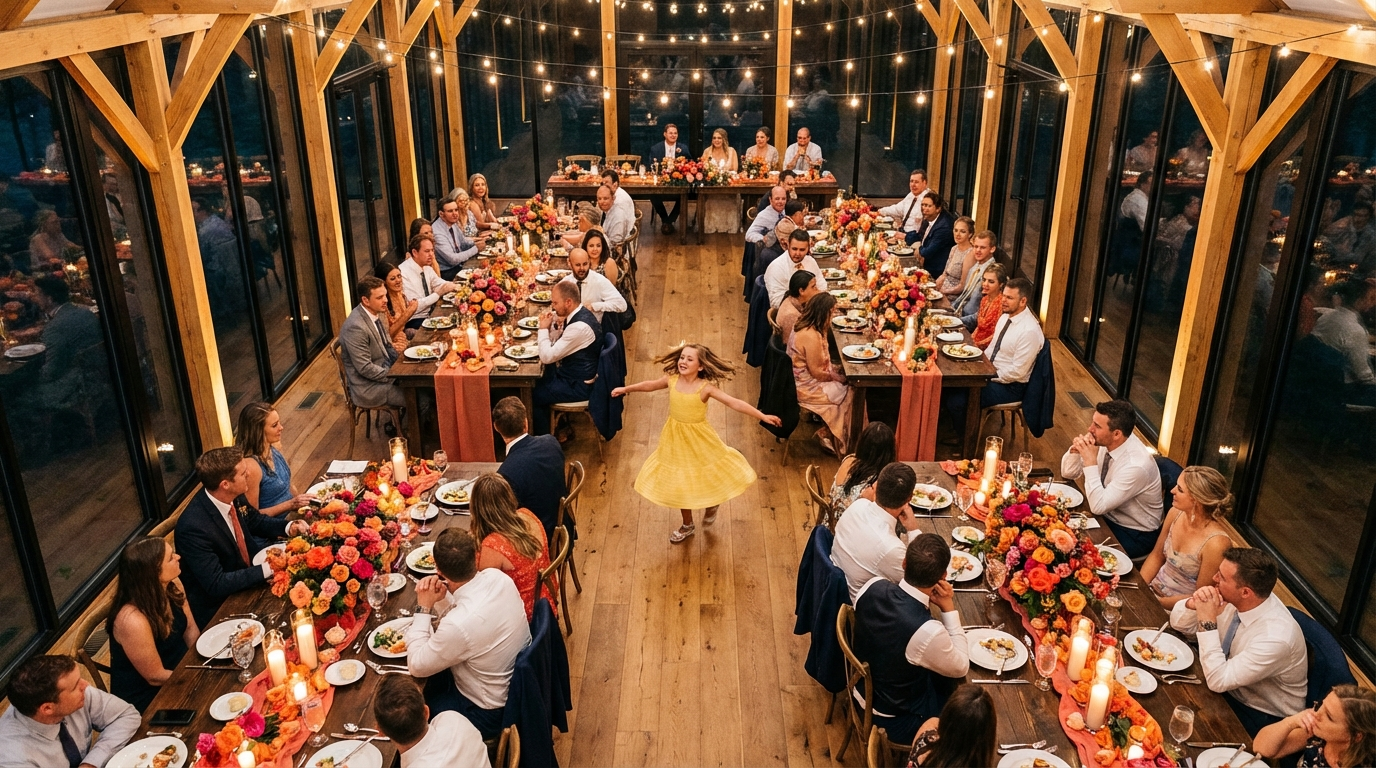
Rectangular Tables: Rectangular tables are a more modern option that works well for both formal and informal events. They are ideal for creating a sense of community and can be easily configured to create long, banquet-style seating arrangements.
Square Tables: Square tables are a versatile option that can be used for both small and large events. They are perfect for creating a more intimate setting and can be easily combined to create larger tables.
Cocktail Tables: Cocktail tables are a great way to encourage mingling and create a more casual atmosphere. They are perfect for pre-dinner drinks or for events where you want guests to be able to move around freely.
Sweetheart Table: A sweetheart table is a small table for the bride and groom at a wedding reception. It is a traditional way to honor the couple and give them a special place to sit.
Real-World Examples: Event Layouts for Different Occasions
To give you some inspiration, here are a few examples of event layouts for different types of events:
Wedding Reception Layout
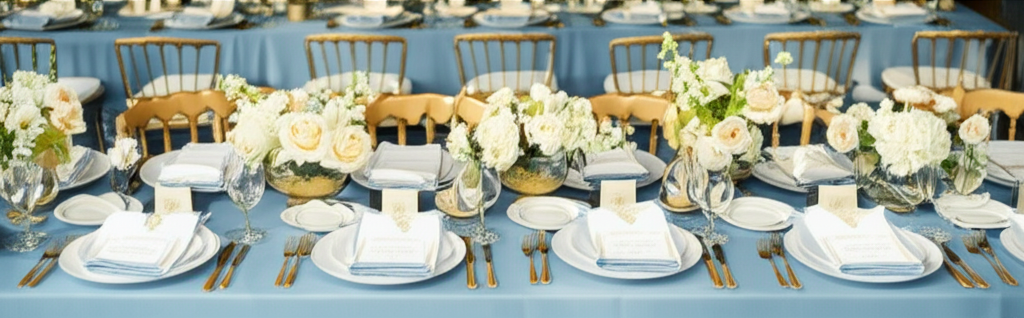
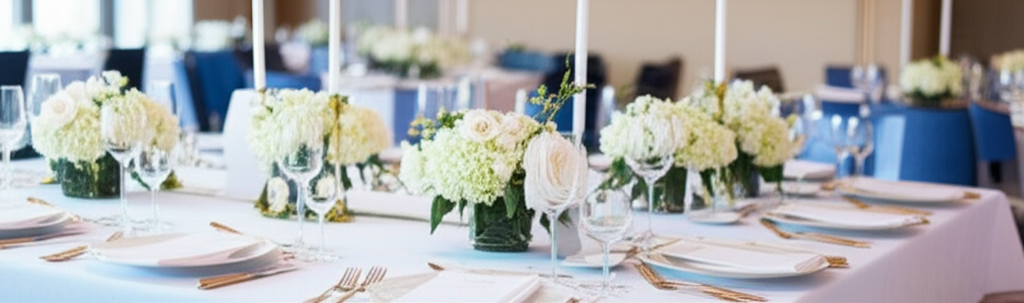
A classic wedding reception layout typically features round tables arranged around a dance floor. The head table is usually placed at the front of the room, with the DJ or band positioned nearby. The bar and catering stations are strategically placed to minimize congestion and ensure easy access for guests.
Corporate Conference Layout
A corporate conference layout often includes a stage for presentations, with rows of rectangular tables facing the stage. The back of the room may feature exhibit booths or networking areas. Consider adding breakout rooms for smaller group discussions.
Birthday Party Layout
A birthday party layout can be more flexible, depending on the age of the guest of honor and the type of party. For a children's party, consider a layout with a designated play area and tables for food and drinks. For an adult party, create a more social atmosphere with cocktail tables and a dance floor.
Event Layout Examples: Two-Column Comparison
Let's break down the pros and cons of two popular table arrangements:
Round Tables
- Better for conversation and encourages interaction between guests.
- Classic and elegant look, suitable for formal events.
- Space-efficient for seating more guests in a smaller area.
Rectangular Tables
- More space-efficient overall, especially in long or narrow rooms.
- Modern and streamlined aesthetic.
- Easier to create a head table or banquet-style seating.
Common Mistakes to Avoid When Planning Your Event Layout
Even with the best event layout tool, it’s easy to make mistakes. Here are some common pitfalls to avoid:
- Ignoring Venue Constraints: Not taking into account the venue's dimensions, structural limitations, or fire codes can lead to major problems on the day of the event.
- Overcrowding the Space: Trying to cram too many tables into a small area can make guests feel uncomfortable and create congestion.
- Neglecting Guest Flow: Failing to consider how guests will move through the space can lead to bottlenecks and confusion.
- Poor Sightlines: Placing tables in areas with obstructed views can detract from the overall experience.
- Forgetting Special Needs: Not accounting for guests with disabilities can create accessibility issues and make them feel excluded.
Expert Advice: Maximizing Space and Comfort
Want to truly impress your guests with a thoughtful and well-executed event layout? Here’s some additional expert advice:
Prioritize Comfort: Ensure that guests have enough space to move around comfortably and that there is adequate ventilation and temperature control.
Create Focal Points: Use lighting, decorations, or other elements to create focal points that draw the eye and add visual interest.
Pay Attention to Details: Small details, such as the placement of centerpieces and the choice of linens, can make a big difference in the overall look and feel of your event.
Seek Feedback: Don't be afraid to ask for feedback from others before finalizing your layout. Fresh eyes can often spot potential problems or offer new ideas.
Frequently Asked Questions
For beginners, SeatingChartCreator.com is an excellent choice due to its free access, intuitive drag-and-drop interface, and ease of use. It provides all the essential features needed to create a professional-looking event layout without overwhelming new users.
Get Event Planning Tips
Weekly tips on seating arrangements, event layouts, and planning strategies.
SeatingChart Team
Our team of event planning experts is dedicated to helping you create unforgettable events with perfect seating arrangements.
Ready to Create Your Seating Chart?
Start planning your perfect event layout with our free drag-and-drop seating chart creator. No sign-up required to try it out!
Try Free Seating Chart Creator