Why I Ditched Excel for This Seating Chart Generator
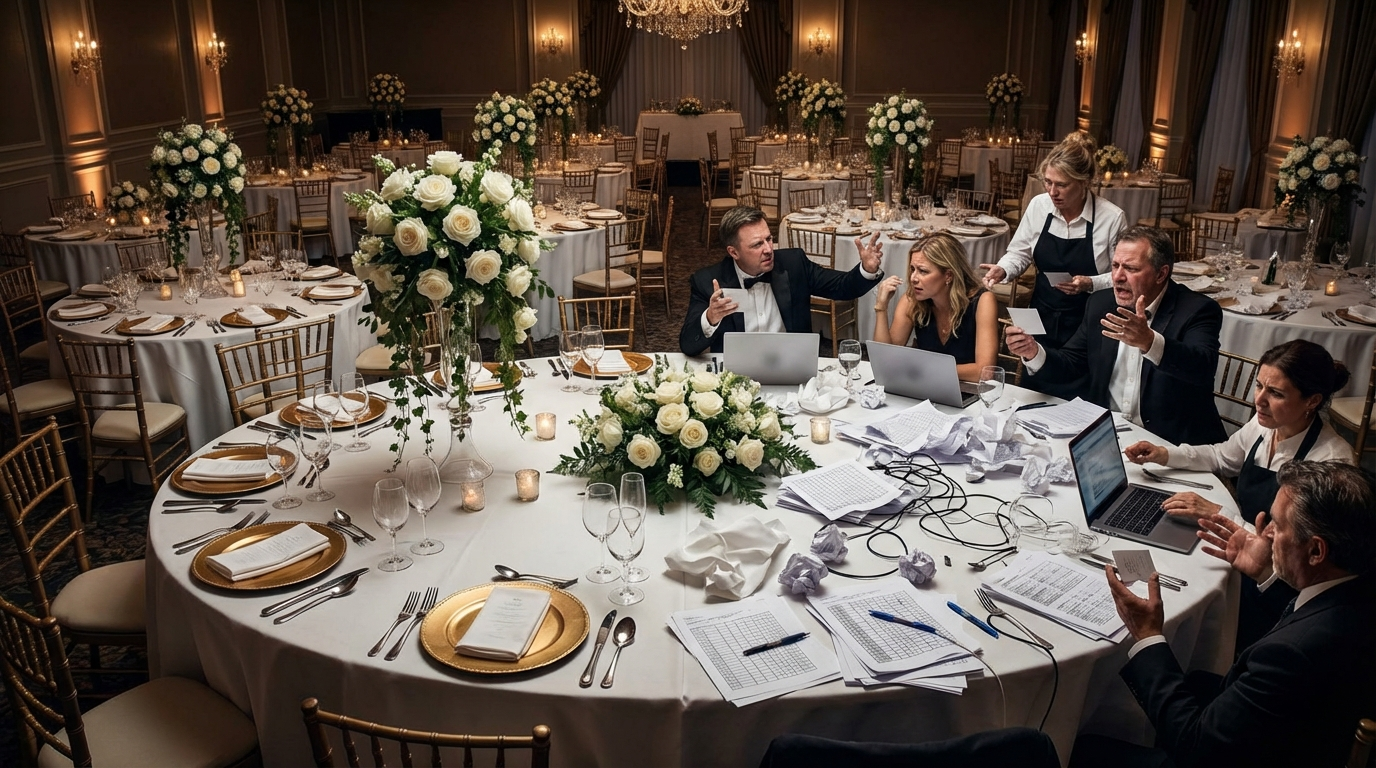
Planning an event, whether it's a wedding, corporate gala, or even a large dinner party, can be incredibly exciting. But let's be honest: the seating chart. That one task can quickly turn into a logistical nightmare. For years, I wrestled with spreadsheets, trying to Tetris guests into assigned seats. It was tedious, prone to errors, and honestly, a huge time sink. Sound familiar?
Then, I discovered the world of online seating chart generators. And let me tell you, it was a game-changer! These tools transformed the way I approach event planning. I went from dreading the process to actually enjoying it. In this post, I'll share why I ditched Excel for a dedicated seating chart tool, and how it can save you time, stress, and maybe even a few headaches.
Ready to simplify your event planning? Let's dive in!
The Agony of Excel: Why Spreadsheets Fall Short
For a long time, Excel seemed like the obvious solution. Rows and columns, easy data entry, what could go wrong? Plenty, it turns out.
Firstly, Excel isn't visually intuitive for table arrangements. You're essentially working with abstract data. Visualizing the actual layout of your venue and how guests will interact is difficult. You're constantly cross-referencing your spreadsheet with a separate floor plan (if you even have one readily available digitally).
Secondly, Excel is a pain for making changes. Moving one guest can trigger a cascade of adjustments. Formulas break, names get misplaced, and before you know it, your carefully crafted seating plan is in shambles. Collaboration is also challenging. Sharing a spreadsheet and ensuring everyone's working on the latest version? A recipe for disaster!
Finally, Excel lacks features specifically designed for event seating. There's no easy way to track dietary restrictions, group guests together based on relationships, or avoid seating feuding family members next to each other. You're essentially MacGyvering a tool that wasn't built for the job.
I spent countless hours wrestling with Excel, only to end up with a seating chart that was still clunky and difficult to manage. There had to be a better way!
Enter the Seating Chart Generator: A Breath of Fresh Air
Discovering online seating chart generators was like finding a hidden oasis in the desert of event planning. These tools are designed specifically for the task, offering a visual, intuitive, and collaborative way to create perfect table arrangements.
The biggest advantage is the visual interface. You can easily drag and drop tables, arrange seats, and see your entire venue layout in real-time. No more abstract data entry! Many platforms, like SeatingChartCreator.com, even allow you to upload your venue floor plan for accurate scaling.
Design Your Perfect Seating Chart
Free drag-and-drop seating chart creator for weddings, events, and venues. Export professional PDFs in minutes.
Create Free Seating ChartMaking changes becomes a breeze. Simply drag a guest to a different seat or table, and the seating chart automatically updates. No more broken formulas or misplaced names. Collaboration is also seamless. Multiple people can work on the same seating plan simultaneously, with changes synced in real-time.
Furthermore, seating chart generators offer features that Excel simply can't match. Things like:
- Dietary restrictions tracking
- Guest relationship management
- Automated seat assignment
- Reporting and printing options
These features save you time, reduce errors, and ensure that your seating arrangement is perfect for your event.
Getting Started with SeatingChartCreator.com: A Step-by-Step Guide
Ready to ditch Excel and embrace the power of a dedicated seating chart generator? Here's a step-by-step guide to getting started with SeatingChartCreator.com:
- 1Create an Account: Head over to SeatingChartCreator.com and sign up for a free account.
- 2Create a New Event: Once you're logged in, click on "Create New Event" and give your event a name.
- 3Upload Your Venue Floor Plan (Optional): For accurate scaling, upload a digital copy of your venue's floor plan. This will help you visualize the space and arrange tables accordingly.
- 4Add Tables: Use the drag-and-drop interface to add tables to your venue layout. Choose from different table shapes and sizes to match your actual setup.
- 5Add Guests: Start adding your guests to the guest list. You can manually enter their names or import them from a spreadsheet (if you're transitioning from Excel!).
- 6Assign Guests to Tables: Now comes the fun part! Drag and drop guests to their assigned seats at each table.
- 7Customize Seating Arrangement: Use the various features to customize your arrangement. You can group guests together based on relationships, track dietary restrictions, and even add notes about each guest.
- 8Review and Finalize: Take a final look at your seating chart to ensure everything is perfect. Make any necessary adjustments and then save your work.
- 9Share and Collaborate: Share your seating plan with other event planners or family members for feedback and collaboration.
- 10Print or Export: Once you're satisfied with your seating chart, you can print it out or export it in various formats for easy distribution.
That's it! With SeatingChartCreator.com, creating a perfect seating arrangement is simple, intuitive, and even enjoyable.
Advanced Features to Maximize Your Seating Chart Generator
Once you've mastered the basics, you can start exploring the advanced features of your seating chart generator to truly optimize your table arrangement.
One powerful feature is guest grouping. Most platforms allow you to tag guests with different categories, such as "family," "friends," "colleagues," or even specific interests. This makes it easy to group guests together who have something in common, ensuring a more enjoyable experience for everyone.
Another useful feature is dietary restriction tracking. You can mark guests who have allergies, dietary preferences (vegetarian, vegan, gluten-free), or other special needs. This information can be shared with the catering staff to ensure that everyone is properly accommodated.
Many seating chart tools also offer reporting and analytics features. You can generate reports that show the number of guests at each table, the distribution of dietary restrictions, and other useful information. This data can help you make informed decisions about your seating arrangement and ensure that your event is a success.
Finally, don't forget about the collaboration features. Share your seating plan with other event planners, family members, or even the venue staff to get their feedback and ensure that everyone is on the same page. Real-time collaboration can save you time, reduce errors, and prevent misunderstandings.
Tips and Tricks for Creating the Perfect Seating Arrangement
Creating a great seating arrangement is more than just assigning guests to tables. It's about creating an atmosphere that encourages conversation, connection, and enjoyment. Here are some tips and tricks to help you create the perfect seating chart:
First, consider your guests' personalities and relationships. Think about who would enjoy sitting next to each other and who might not get along. Try to group guests together who have similar interests or backgrounds. Also, be mindful of family dynamics and avoid seating feuding relatives next to each other.
Second, mix and mingle. Don't be afraid to seat guests with people they don't know. This can be a great way to spark new connections and create a more vibrant atmosphere. Just be sure to introduce guests to each other and provide some conversation starters.
Third, pay attention to table dynamics. Some tables might be more lively and engaging than others. Try to distribute your guests evenly across all tables to ensure that everyone has a good time. You can also strategically place certain guests at specific tables to liven up the conversation.
Fourth, don't be afraid to make changes. Your seating chart is not set in stone. As you get to know your guests better, you might need to make adjustments to your table arrangement. Be flexible and willing to experiment until you find the perfect fit.
Finally, remember that the goal is to create an enjoyable experience for everyone. By considering your guests' personalities, relationships, and interests, you can create a seating chart that fosters connection, conversation, and fun.
Seating Chart Templates: Jumpstart Your Planning
Feeling overwhelmed? Don't worry! Many seating chart generators, including SeatingChartCreator.com, offer a variety of pre-designed seating chart templates to help you get started. These templates can save you time and provide inspiration for your own table arrangement.
You can find free templates for different types of events, such as weddings, corporate events, and dinner parties. These templates are based on common venue layouts and guest counts, making it easy to find one that fits your needs.
Each template includes a pre-populated seating chart with sample guests and table arrangements. You can easily customize the template by adding your own guests, changing the table layout, and adjusting the seating assignments. This is a great way to quickly create a functional seating plan without starting from scratch.
Even if you don't use a template directly, browsing through different templates can give you ideas for your own seating chart. You can see how other event planners have arranged tables, grouped guests, and created a cohesive atmosphere. This can help you think outside the box and come up with creative solutions for your own event.
So, if you're feeling stuck or just need a little inspiration, be sure to check out the available seating chart templates. They can be a valuable resource for jumpstarting your planning and creating a perfect table arrangement.
Common Seating Chart Mistakes (And How to Avoid Them)
Even with the best seating chart generator, it's easy to make mistakes that can negatively impact your event. Here are some common seating chart mistakes and how to avoid them:
Mistake #1: Ignoring Guest Relationships. Seating feuding family members or incompatible personalities next to each other can lead to awkwardness and tension. Solution: Carefully consider your guests' relationships and personalities when making seating assignments. Group guests together who have similar interests or backgrounds.
Mistake #2: Separating Couples. Unless specifically requested, couples should always be seated together. Solution: Make sure to identify couples on your guest list and seat them next to each other at the same table.
Mistake #3: Forgetting Dietary Restrictions. Failing to accommodate dietary restrictions can lead to unhappy guests and potential health issues. Solution: Track dietary restrictions on your guest list and communicate them to the catering staff. Seat guests with dietary restrictions at tables where appropriate meals are being served.
Mistake #4: Overcrowding Tables. Cramming too many guests around a single table can make it difficult to move around and converse comfortably. Solution: Follow the venue's recommended seating capacity for each table. If you have a large guest list, consider adding more tables or using larger tables.
Mistake #5: Not Having a Backup Plan. Unexpected issues can arise on the day of the event, such as last-minute cancellations or changes in venue layout. Solution: Create a backup seating chart that you can easily implement if needed. This will help you avoid chaos and ensure that everyone has a seat.
Expert Tips for Flawless Event Seating
Want to take your seating chart skills to the next level? Here are some expert tips for creating a truly flawless event seating experience:
Tip #1: Consider the Venue Layout. The shape and size of your venue can significantly impact your seating arrangement. Take into account factors such as stage placement, dance floor location, and sightlines when planning your table arrangement. You want to make sure that everyone has a good view and can easily access the amenities.
Tip #2: Create a Focal Point. Designate a focal point for each table, such as a centerpiece or a decorative element. This will help draw guests' attention and create a more visually appealing atmosphere.
Tip #3: Use Place Cards. Place cards add a touch of elegance and help guests easily find their assigned seats. They also provide an opportunity to display guests' names in a stylish font and design.
Tip #4: Be Prepared for Last-Minute Changes. No matter how carefully you plan, unexpected changes can always occur. Be prepared to make adjustments to your seating chart on the day of the event. Keep a copy of your seating plan handy and have a system in place for quickly reassigning seats if needed.
Tip #5: Get Feedback from Others. Don't be afraid to ask for feedback from other event planners, family members, or even your guests. They may have valuable insights or suggestions that you haven't considered.
By following these expert tips, you can create a seating chart that is not only functional but also enhances the overall event experience.
Frequently Asked Questions
A seating chart generator is an online tool that helps you create and manage seating arrangements for events like weddings, parties, and corporate gatherings. It allows you to visually plan your table arrangement, assign guests to seats, and track dietary restrictions or other important information. It's a much more efficient and user-friendly alternative to spreadsheets.
Get Event Planning Tips
Weekly tips on seating arrangements, event layouts, and planning strategies.
SeatingChart Team
Our team of event planning experts is dedicated to helping you create unforgettable events with perfect seating arrangements.
Ready to Create Your Seating Chart?
Start planning your perfect event layout with our free drag-and-drop seating chart creator. No sign-up required to try it out!
Try Free Seating Chart Creator